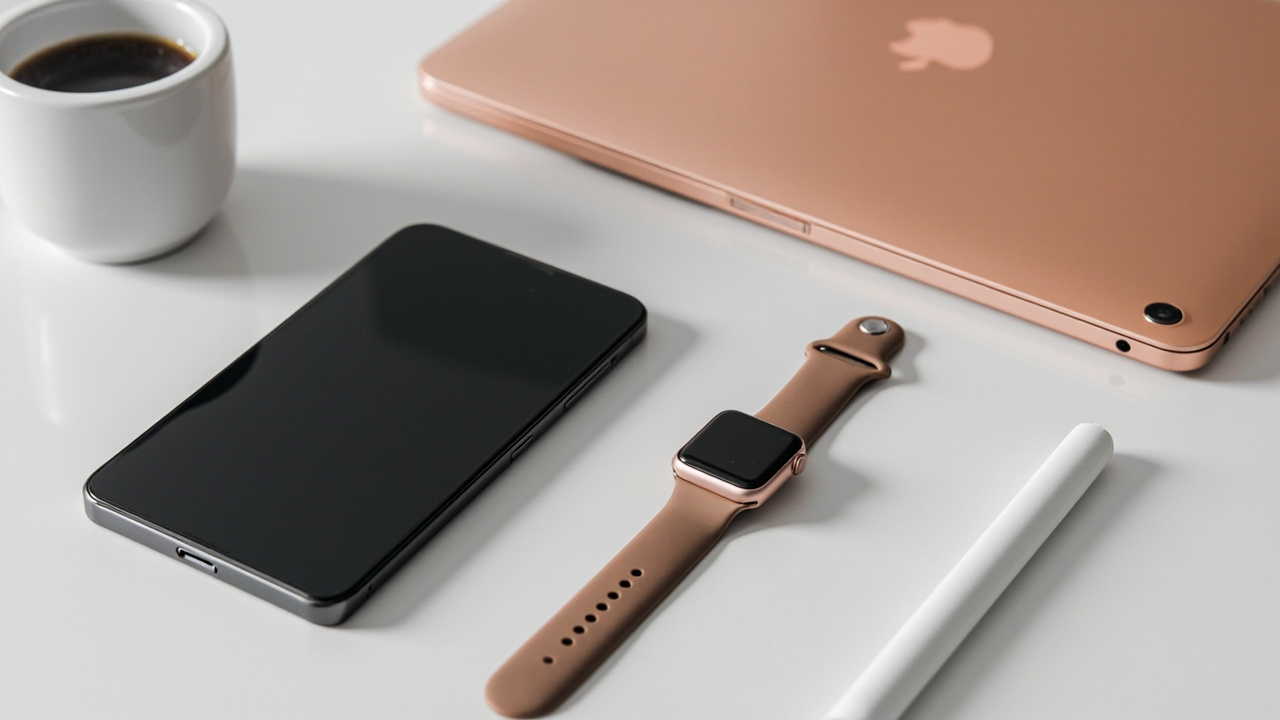
The Apple Watch isn’t a phone. Its beauty lies in brevity—quick glances, not deep dives. When I tested 30+ apps from the r/AppleWatch best apps February 2026 thread, a pattern emerged: most people install too much, use three or four regularly, and ignore the rest.
Your wrist deserves purpose.
A cluttered Watch face with unnecessary complications defeats the device’s core promise: information without friction. The best Apple Watch apps 2026 minimal setup philosophy isn’t about deprivation—it’s about intentionality. Every app earns its place through daily utility or meaningful impact.
The Five Pillars of My Minimal Setup
Health & Fitness
H2: Tracking That Works Without Thinking
Your Watch’s health features shine brightest with these additions:
- Activity (built-in): The core three-ring system remains the gold standard for daily movement awareness. No third-party app has matched its simplicity and Apple Health integration.
- WorkOutDoors: If you run, hike, or cycle outdoors, this replaces Apple’s Workout app entirely. GPS accuracy rivals dedicated sports watches, and the customizable data screens show exactly what you need mid-workout.
- AutoSleep: Tracks sleep stages without requiring you to start a session manually. It passively monitors your rest patterns and surfaces trends that actually matter—like whether you’re consistently getting enough deep sleep.
H3: Why These Over Others?
Strong app offers superior workout logging, but WorkOutDoors handles outdoor activities with military-grade precision. Sleep tracking apps proliferate, yet AutoSleep’s passive approach respects the Watch’s battery life while delivering clinically relevant data.
Productivity
H2: Tasks That Leave Your Phone in Your Pocket
The best Apple Watch apps 2026 minimal setup must include at least one task manager:
- Things 3: Seamlessly syncs with its iOS counterpart. The Watch app surfaces only today’s tasks—perfect for a quick check before a meeting. The complication displays your next actionable item without overwhelming you.
- Apple Reminders: For iCloud-only households, Reminders handles grocery lists and recurring tasks adequately. The Watch’s voice input transforms typing into speaking.
H3: What Makes a Task App Worth It?
A task manager earns its spot only if it reduces cognitive load. Things 3 achieves this by surfacing relevance, not volume. Reminders works if you’re already invested in Apple’s ecosystem. Both offer reliable Siri integration for hands-free addition of tasks during commutes or workouts.
Weather & Contextual Information
H2: Glanceable Updates Without Pulling Your Phone
Weather complications deliver constant value:
- Carrot Weather: Surpasses Apple’s built-in weather with hyperlocal forecasts, precipitation timing accurate to the minute, and customizable UI. The snarky personality aside, its data reliability makes it indispensable.
- Apple Weather: Adequate for casual users. The new precipitation and temperature graphs on Watch Series 9 and later improve its utility significantly.
H3: Which Weather App Suits You?
Carrot Weather rewards users who want granular data and don’t mind personality. Apple Weather suits those preferring native integration and minimal setup. Both update automatically—no manual refreshes required.
Sleep & Recovery
H2: Understanding Your Rest
Quality sleep determines everything else:
- AutoSleep: Mentioned earlier, but its sleep debt calculations deserve emphasis. Waking to see your sleep debt visualized alongside a readiness score provides actionable insight, not just data.
- Sleep Cycle: Offers similar functionality with a slightly different algorithm. Some users prefer its alarm feature, which wakes you during light sleep for easier mornings.
H3: The Passive Advantage
Both apps work without engagement. You wear your Watch to bed; they do the rest. This passive monitoring represents the Watch’s potential at its finest—no behavior change required.
Beyond the Core Five: Honorable Mentions
Some apps didn’t make my daily rotation but deserve recognition:
- WaterMinder: Tracks hydration if you’re working on increasing water intake. The Watch complications and reminders stay unobtrusive.
- CityMapper: Superior transit directions in major cities compared to Apple Maps. The Watch app provides vibration cues for upcoming turns—a safety upgrade.
- Find My: Built-in but worth mentioning. Locating your phone or AirPods from your wrist never gets old.
Final Thoughts: Curation Over Collection
The temptation to fill your Watch grid with potential is understandable. But the best Apple Watch apps 2026 minimal setup philosophy mirrors life elsewhere: quality compounds, clutter costs attention.
My five apps—Activity, WorkOutDoors, Things 3, Carrot Weather, and AutoSleep—represent the intersection of daily utility, reliable performance, and ecosystem integration. They’ve survived months of testing precisely because they work without demanding engagement.
Start narrow. Add only when you identify a genuine gap. Your wrist—and your attention—will thank you.