By Ecosystem Analyst | October 7, 2026 | iPhone
Key Takeaway: Anker’s MagGo Power Bank 2 Pro reached 50% in 30 minutes in Macworld’s iPhone 16 Pro test, narrowly ahead of Ugreen’s MagFlow 25W at 32–33 minutes. That makes Anker the quicker option in these published measurements, not a proven winner for every iPhone, temperature or charging session.
Why This Matters: A magnetic battery pack is useful when your phone needs enough charge to finish the day without a trailing cable. But a “25W” label is a ceiling, not a promise about how long you will stand beside a departure board waiting for your battery percentage to rise. The useful comparison is charging time on a named phone, alongside heat, usable capacity and what you have to carry.
This MagSafe battery pack third party comparison uses published testing and Apple’s support guidance, checked on October 7, 2026. Apple Unboxed has not conducted an independent bench test of these packs. “MagSafe” is used here as the familiar shopping category; an accessory described as MagSafe-compatible is not automatically a certified Qi2 charger or an Apple-made product.
What We Know
Macworld: Anker edges ahead with cooling
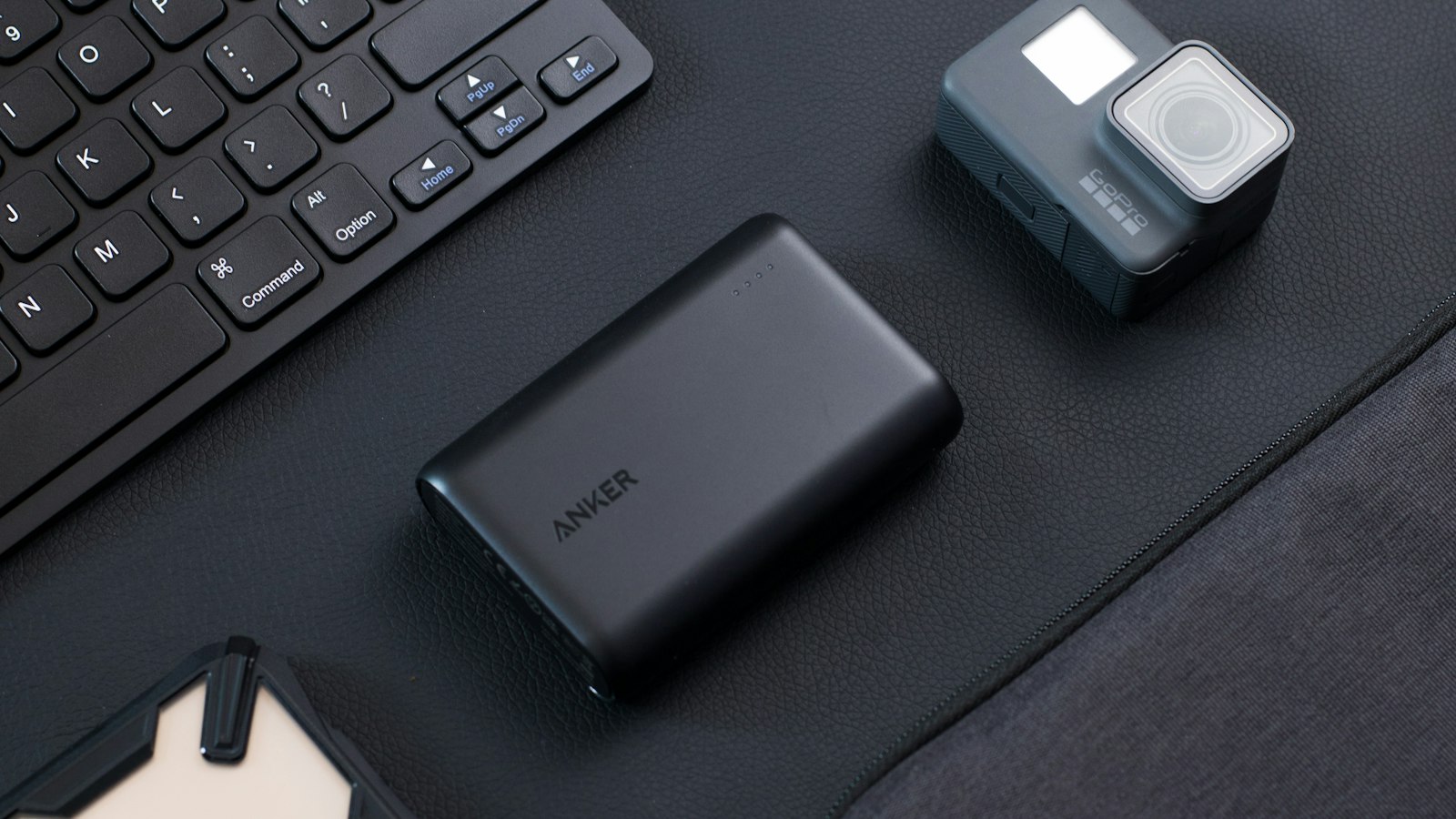
In Simon Jary’s September 2026 Macworld review, the Anker MagGo Power Bank 2 Pro charged an iPhone 16 Pro from empty to 50% in 30 minutes with active cooling enabled. Silent Mode, which turns the fan off, took 33 minutes. The pack is rated for 25W wireless charging and has a 45W USB-C port.
The comparison within that review is more informative than the largest number on the box: the same product, with cooling on or off, produced different charge times. The fan bought a modest improvement in that test. It does not follow that the improvement will be identical in a cold room, on a hot train or with navigation running.
Macworld also reported a 199% total recharge score using repeated discharge-and-recharge sessions. That is a measure of how much phone charging the pack delivered in the reviewer’s procedure, not a claim that your phone will always get exactly two full charges. Anker includes a separate cable, rather than integrating one into the pack. Its adjustable stand may matter more than a small speed advantage if your phone spends most charging sessions propped beside a laptop.
Macworld: Ugreen is close, with a built-in cable
Macworld’s Ugreen MagFlow 25W 10K review records two iPhone 16 Pro runs, with iOS 26, reaching 50% in 32 and 33 minutes. Those are close to Anker’s 30-minute result, and match Anker’s fan-off time. These reviews were published a year apart, so they should not be treated as a simultaneous, controlled head-to-head experiment.
The Ugreen’s practical distinction is its integrated 30W USB-C cable. A cable built into something you already remembered to pack can be more useful than a higher-rated port that depends on a separate accessory. If your priority is getting charge into the phone rather than keeping the connection wireless, that cable is a reason to consider Ugreen without pretending its wireless result is faster.
Its reported recharge score was 144%, below Anker’s later result. Again, differing test dates and conditions limit the conclusion: this is a useful buying signal, not a laboratory-normalized efficiency ranking. Macworld also tested the Ugreen with an iPhone 15 Pro running iOS 18 and recorded 44 minutes to 50%. That older-phone run illustrates why the handset and software belong in the result, not in a footnote nobody reads.
Tom’s Guide: Belkin is a different proposition
Tom Pritchard’s Tom’s Guide hands-on describes Belkin’s UltraCharge Pro Slim Magnetic Power Bank with BoostSolid Cell as a 5,000mAh, 15W Qi2 pack. The appeal is a thinner, lighter attachment, rather than a 25W speed claim. For someone who holds the phone while charging, reducing the lump on the back can be a sensible trade.
That review includes a comparison starting with an iPhone 17 Pro Max at 47%, against an older, uncertified Ugreen pack. It is not the Ugreen MagFlow 25W discussed above. The retrieved article text does not specify the elapsed time for that comparison, so its percentage increases cannot establish a charging rate or join our empty-to-50% comparison.
Nor should the words “semi-solid-state” settle the purchase. Battery construction, advertised output and delivered charging performance are different questions. This evidence supports considering Belkin for comfort and a lighter top-up role; it does not support naming it the fastest pack. A smaller reserve may be acceptable for a commute and inadequate for a long day of photography.
Apple: peak wattage is not a stopwatch result
Apple’s MagSafe Charger guidance explicitly describes peak power that changes with the iPhone model, adapter and system conditions. It gives model-specific limits, including 20W for iPhone Air and 22.5W for iPhone 16 and iPhone 16 Pro with the specified Apple charger. Those are Apple MagSafe Charger specifications, not a substitute for verifying a third-party Qi2 pack’s compatibility.
This matters because naming a whole generation can hide exceptions. Before buying, check the exact handset and exact accessory model, including any software requirement. Do not assume a pack’s 25W rating forces the phone to accept 25W, or that every magnetic case makes an unsupported phone a faster wireless-charging model.
The honest speed summary is therefore narrow: Anker recorded 30 minutes and Ugreen recorded 32–33 minutes on an iPhone 16 Pro in the cited reviews. These results show that both can be quick under the tested conditions. They do not show sustained power at the advertised maximum, and they do not predict the same times for another phone.
Apple: heat and phone use change the outcome
Apple’s charging-speed advice says demanding apps, camera use and high-quality video can reduce charging speed. It also recommends a cooler location when temperature interferes with charging. The separate MagSafe guidance notes that software may limit charging above 80% when the battery gets too warm.
A power bank strapped to a phone that is recording video in direct sunlight faces a different job from a pack charging an idle phone indoors. The battery percentage reflects the balance between incoming energy and what the phone is consuming. You cannot diagnose an underperforming accessory solely from a slow percentage increase while gaming.
There is also no reason to extrapolate an empty-to-50% result into a full-charge time. Charging behavior changes as the battery fills, and charging limits or temperature protection can interrupt the process. If the immediate goal is enough power for tickets and messages, time to a useful partial charge is the more relevant benchmark.
What Could Change
A same-day test using the same phone, software, case, room temperature and starting charge could change the ranking. The gap here is small, and the source reviews do not provide enough common control data or uncertainty estimates to establish that Anker will reliably beat Ugreen by a fixed margin. More products may match these results; this is not an exhaustive market survey.
Price can also reverse the buying decision. This article deliberately avoids treating the reviews’ launch or review prices as live October offers. Compare the exact model’s checkout price, warranty and return terms in your region. A cheaper 15W pack can be appropriate when you rarely need a rapid rescue, while a premium 25W pack has little value if your phone cannot use its faster charging mode.
Product naming is another trap. Anker MagGo and Ugreen MagFlow are families, not single specifications. A discount on an older model is not a discount on the reviewed one. Match capacity, wireless rating, cable arrangement and model designation before copying a recommendation into a shopping basket.
What to Do Now
If wireless speed is the priority: put Anker’s MagGo Power Bank 2 Pro on your shortlist, based on the cited 30-minute result with cooling enabled. Put Ugreen’s MagFlow 25W alongside it, not in a different performance class. Choose between them using price, fan tolerance, stand preference and whether you want a built-in cable.
If you mainly want a comfortable emergency top-up: consider the smaller Belkin-style 15W option. Buy it for the lighter attachment and adequate reserve, not for an unproven speed advantage. Think about the worst day you actually need to cover: commuting is different from hours of maps, camera use and unreliable wall outlets.
If you need power quickly before leaving: try the pack’s suitable USB-C wired connection with a compatible cable. Apple recommends USB-C Power Delivery for faster wired charging on supported iPhones. The port’s rating is still a maximum, not the amount your handset necessarily draws. This advice chiefly applies to Anker and Ugreen here: Tom’s Guide lists the Belkin’s wired output at only 7.5W, so USB-C should not be assumed to make that pack faster. Keep the phone idle and cool rather than assuming the connection alone solves everything.
Check your own setup during the return window. Charge the pack beforehand, use the same phone and case, start at a similar battery level, and note the time and temperature conditions. Compare wireless and wired sessions without changing several variables at once. You are answering whether it works for your routine, not reproducing a publisher’s score to the second.
On iOS 26, Settings > Battery can display an estimated charge time, according to Apple. Check for a charging-on-hold message if progress stalls. Remove cards or other objects between the charger and phone, and follow the manufacturer’s case guidance. If the phone becomes uncomfortably warm, move it somewhere cooler instead of covering the pack or defeating protective behavior.
FAQ
Which third-party magnetic battery pack charges fastest?
Among the directly relevant published results cited here, Anker’s MagGo Power Bank 2 Pro was quicker: 30 minutes to 50% on an iPhone 16 Pro with cooling enabled. Ugreen’s MagFlow 25W recorded 32–33 minutes. Different test dates prevent a universal fastest claim.
Will a 25W battery pack make any iPhone charge at 25W?
No. The phone, software, accessory compatibility and conditions determine the supported charging behavior. Check the exact handset and pack specifications; Apple’s MagSafe Charger limits should not be assumed to describe every third-party Qi2 combination.
Is wired charging a better emergency option?
A suitable USB-C Power Delivery connection is worth trying when time matters, rather than insisting on wireless convenience. The pack’s wired output, cable and iPhone support all matter. This comparison does not provide measured wired timings for these packs.
Does 10,000mAh mean two full iPhone charges?
No. The pack’s label does not directly translate into complete phone recharges. The cited reviews reported different delivered recharge scores, and conversion losses, phone consumption and conditions affect the result. Use a measured test on a named handset as guidance, not a guarantee.
Sources & References
- Macworld: Anker MagGo Power Bank 2 Pro review — September 25, 2026.
- Macworld: Ugreen MagFlow 25W 10K review — September 19, 2025.
- Tom’s Guide: Belkin UltraCharge Pro Slim hands-on — September 26, 2026.
- Apple Support: How to use your MagSafe Charger with iPhone — September 18, 2026.
- Apple Support: About iPhone charge speeds — March 16, 2026.
About the Author: Ecosystem Analyst is Apple Unboxed’s editorial byline for practical, source-led coverage of Apple devices and services. This AI-assisted comparison synthesizes attributed published testing; it is not a claim of hands-on testing by Apple Unboxed.
Related Coverage
- iPhone 17 Pro battery life: four lab sheets, not a survey
- iPhone Battery Life: Settings That Actually Help
- Thunderbolt 5 and USB4 2.0: The Mac Cable Guide for 2026