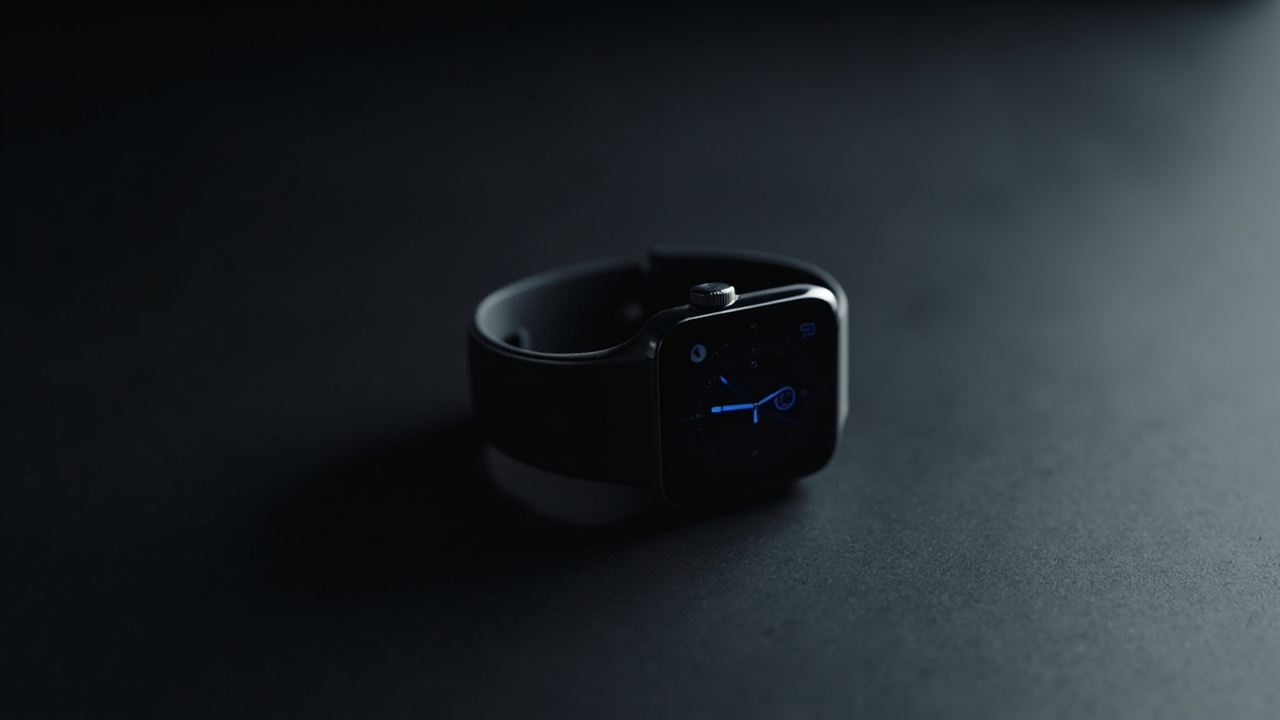
Apple Watch Without an iPhone: What You Can and Cannot Do in 2026
Meta Description: Discover what works and what doesn’t when using Apple Watch without iPhone. Complete guide for 2026 — cellular capabilities, standalone features, and limitations.
Bottom Line Up Front: Apple Watch can function independently for most core tasks when using a cellular model, including calls, texts, Apple Pay, music streaming, GPS workouts, and emergency SOS. However, initial setup requires an iPhone, and some features like video calls, full Mail app functionality, and certain third-party apps remain tethered to the iPhone ecosystem. The bottom line: a cellular Apple Watch delivers genuine standalone freedom for fitness, communication, and payments, but expect workflow compromises if you’re completely iPhone-free.
Apple Watch without iPhone functionality has expanded significantly as Apple has pushed toward standalone capabilities. Whether you’re at the gym, running without your phone, or simply want to leave your iPhone behind, understanding what works and what doesn’t helps you maximize your wearable’s potential. Here’s a practical breakdown of what you can and cannot do with Apple Watch in 2026 when your iPhone is out of range.
What Works on Apple Watch Without iPhone
Modern Apple Watch models—particularly those with cellular connectivity—support an impressive range of standalone operations:
Cellular features (with active data plan):
- Make and receive phone calls using your cellular number
- Send and receive SMS text messages and iMessages
- Receive notifications and respond via dictation or smart replies
- Stream Apple Music, Spotify, and other audio services via LTE
- Access turn-by-turn navigation with Maps
- Get real-time weather updates and forecasts
- Listen to podcasts through dedicated apps
- Access news apps and other information services
- Use Apple Pay for contactless payments anywhere
- Make emergency SOS calls to emergency services
- Use standalone apps downloaded from the App Store
GPS-only features (always available):
- Track workouts with GPS distance and pace data
- Monitor heart rate, sleep, and health metrics
- Set alarms, timers, and stopwatch functions
- View world clock and calendar events
- Check stock prices and other widgets
- Control music playback from stored playlists
- Use voice memos and the built-in calculator
The Apple Watch Ultra and later models offer enhanced standalone capabilities with extended battery life, making them particularly well-suited for extended activities without your iPhone.
What Does Not Work Without iPhone
Despite significant progress, several features still require an iPhone connection:
Setup and configuration:
- Initial setup and activation must occur through the Watch app on a paired iPhone
- One-time configuration for many third-party apps
- Restoring from backup and syncing preferences
Limited functionality:
- FaceTime video calls require an iPhone (audio FaceTime calls work via cellular)
- Full Mail app with push email synchronization
- Some banking and financial apps with enhanced security
- Continuous photo syncing from iPhone camera roll
- Find My app shows limited location accuracy without paired iPhone
- Automatic software updates may require an iPhone connection for certain features
- Some carrier-specific features depend on iPhone settings
Notable exception — Family Setup:
For users without an iPhone (such as children or elderly family members), Apple offers Family Setup on cellular models. This allows setting up an Apple Watch without owning an iPhone, though with reduced functionality compared to a fully paired watch.
Tips for Using Apple Watch Independently
Maximize your standalone experience with these practical strategies:
- Choose cellular if you need independence — GPS-only models cannot make calls or send texts without nearby Wi-Fi
- Download content before leaving home — sync playlists, podcasts, and audiobooks while on Wi-Fi
- Configure apps during initial setup — set up third-party apps while your iPhone is available
- Keep software updated — Apple regularly releases watchOS updates that improve standalone functionality
- Monitor cellular data usage — streaming music and podcasts consumes data quickly; download what you can on Wi-Fi
- Pre-load workouts — download Fitness+ workouts to your watch before heading to the gym
Conclusion
Apple Watch delivers genuine standalone utility in 2026, especially with cellular models. For fitness tracking, payments, calls, and most everyday tasks, leaving your iPhone behind is entirely feasible. The experience isn’t identical to having your iPhone nearby—setup hassles and some app limitations persist—but Apple’s wearable has evolved into a capable independent device. If you’re buying Apple Watch primarily for standalone use, budget for the cellular model and configure your apps thoughtfully during that initial iPhone pairing session.